Leave a Workspace
Admins can leave a workspace they no longer need from the People page. Members ask an owner or admin to remove them, and the Owner transfers ownership first.
Leave From the People Page
Go to People.
Click ⋮ next to your own name and choose Leave Team.
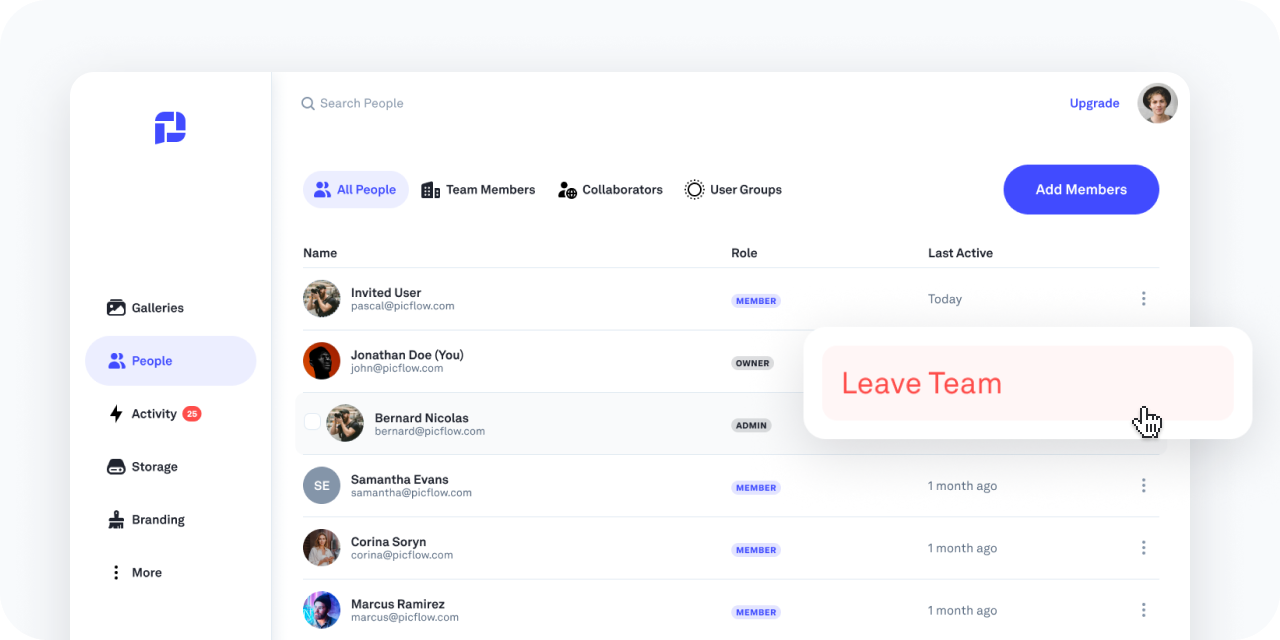
Confirm in the Leave Workspace dialog.
After you leave, someone has to invite you again to rejoin. You land on the Workspaces page.
Who Can Leave
If you are the last remaining person in the workspace, you can only delete it, not leave it.
Frequently Asked Questions
I don't see Leave Team. Why?
I don't see Leave Team. Why?
Only admins can leave on their own. Members can't, and the Owner has to transfer ownership first. Ask an owner or admin to remove you, see Remove team members.
Was this helpful?
Still need help? Share an idea