Create an Account
Sign up at picflow.com/signup with your email, Google or Apple, confirm your email and set up your workspace. You can also link a social login to an existing account.
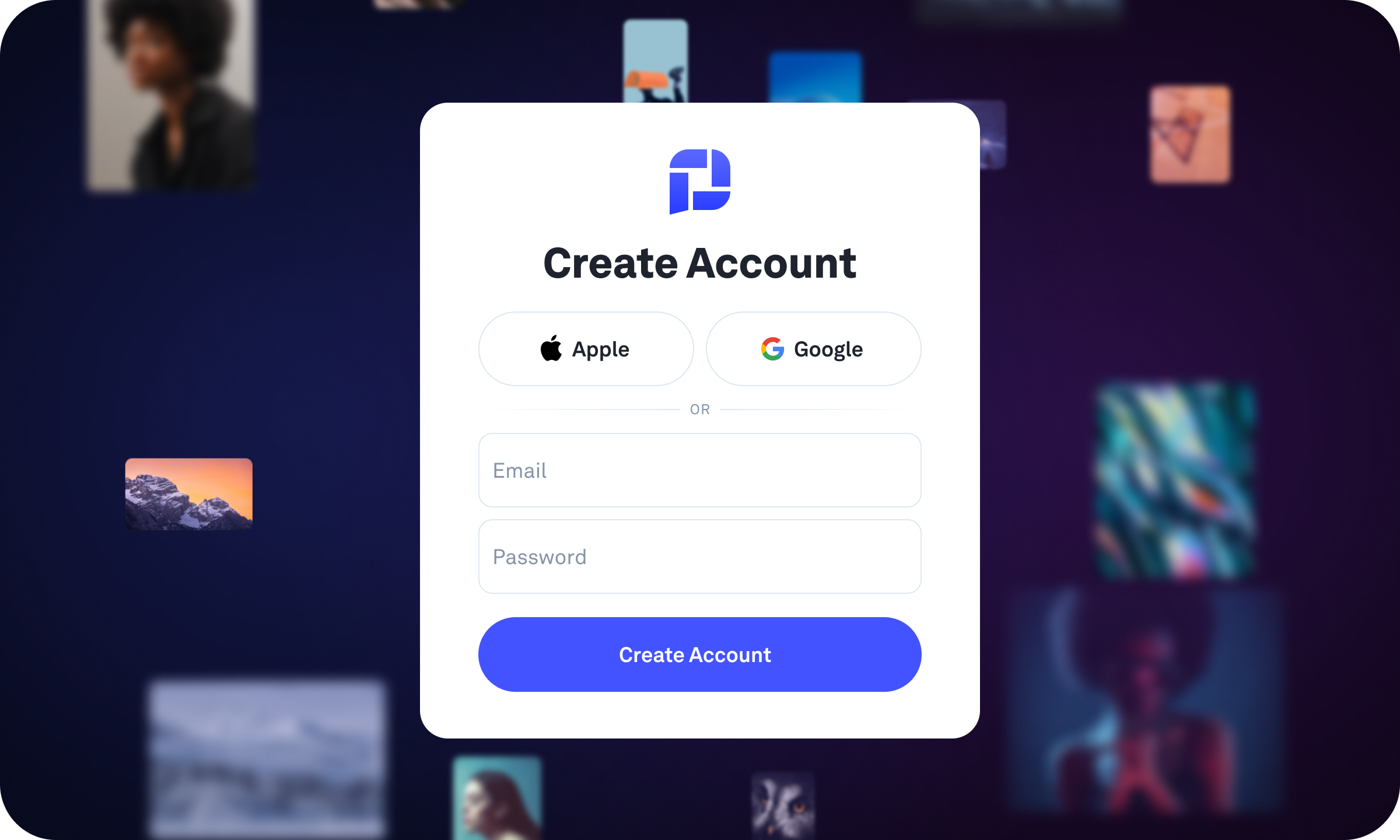
Sign Up
Open the sign-up page.
Enter your email and a password, or continue with Google or Apple.
If you signed up with email, enter the confirmation code Picflow sends to your inbox.
Complete the setup steps: Your Profile (your name), Creative Field, then Your Space (name your workspace). If a workspace for your email domain already exists, Join Team lets you join or request access instead. Under Your Space you can also let anyone with your email domain join the workspace.
Create your first gallery from the dashboard.
If you were invited to a team or a gallery, sign up from the invitation link to land in the right place.
Link Google or Apple to Your Account
Go to Settings → Profile.
Under Social Login, click Connect next to Google or Apple.
After linking, you can log in with either method. To disconnect a provider, click Disconnect. You need an account password first. Use Add Password in Settings → Profile if you don't have one.
For more security, turn on two-factor authentication.
Having trouble signing up? Email help@picflow.com.
Was this helpful?
Still need help? Share an idea