Asset Status and Approval Limit
Asset status shows where each asset stands in review, from Needs Review to Approved or Rejected. Switch to one-click approval and cap how many assets reviewers can approve.
Asset Status
Open the gallery and go to Settings → Collaboration.
Turn on Asset Status.
Each asset gets a status button. Statuses are Needs Review, In Progress, Approved and Rejected. Assets without a status show No Status. Click the status button on an asset (tooltip Change Status) to change it.
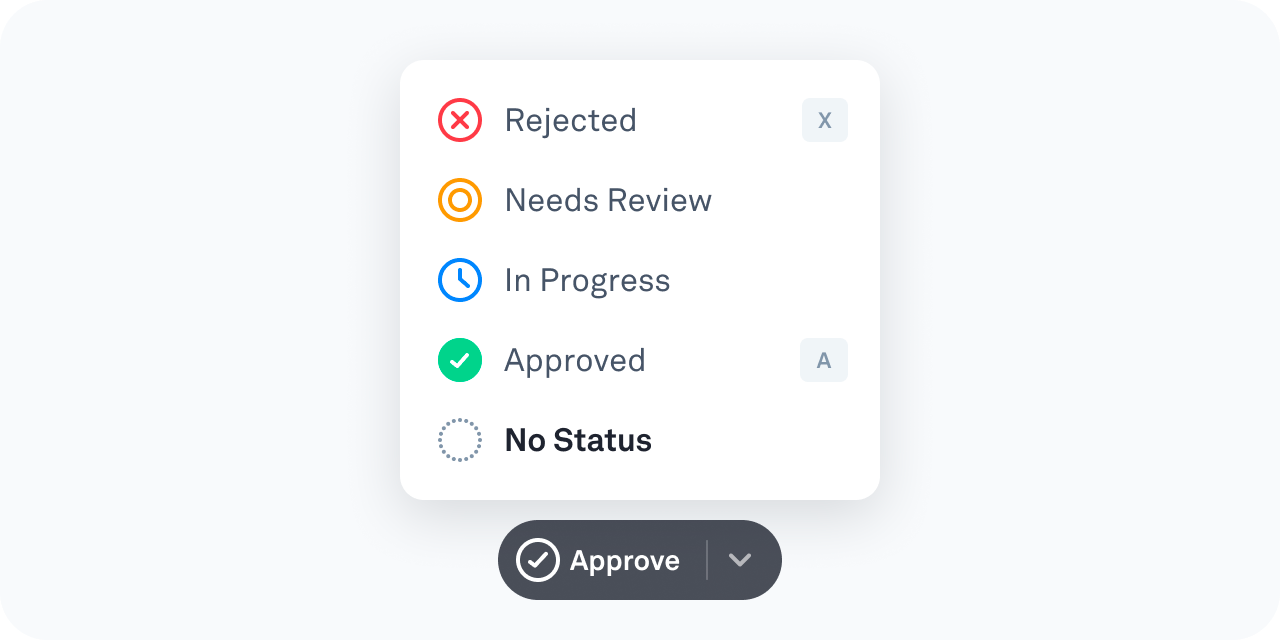
To find assets by status, use the Status filter in Search Assets. To track the progress of a whole gallery instead, see Gallery status.
Choose Which Statuses Are Available
Next to Asset Status, click Customize.
Under Customize States, switch Rejected, Needs Review and In Progress on or off.
Approved is always on.
One-Click Approval
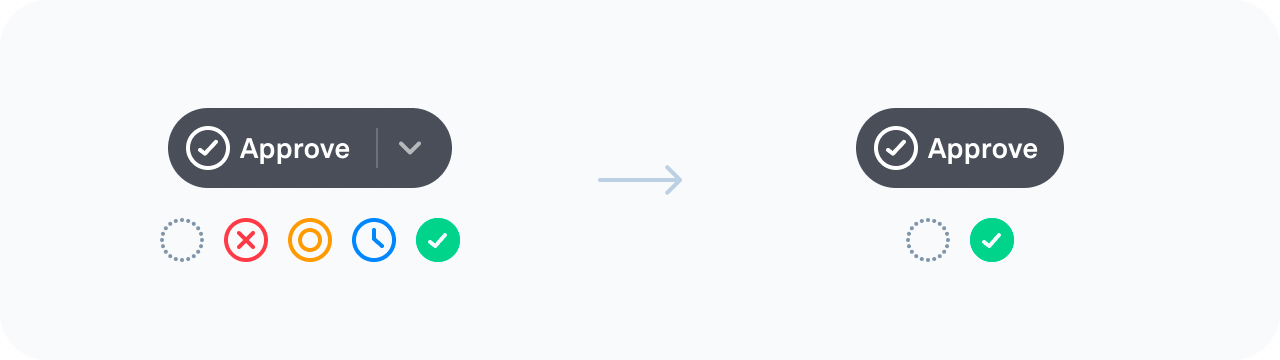
There is no separate approve-only switch. Switch off Rejected, Needs Review and In Progress under Customize States. The status button then becomes Approve, and changes to Unapprove once the asset is approved.
Approval Limit
Paid Feature: Requires Picflow Pro or above.
The approval limit sets the maximum number of assets that can be approved in a gallery, for example for a final selection.
Next to Asset Status, click Customize.
Under Approval Limit, turn on the switch and enter a number in Limit (e.g., 24).
Optional: tick Allow customers to exceed this limit.
What reviewers see:
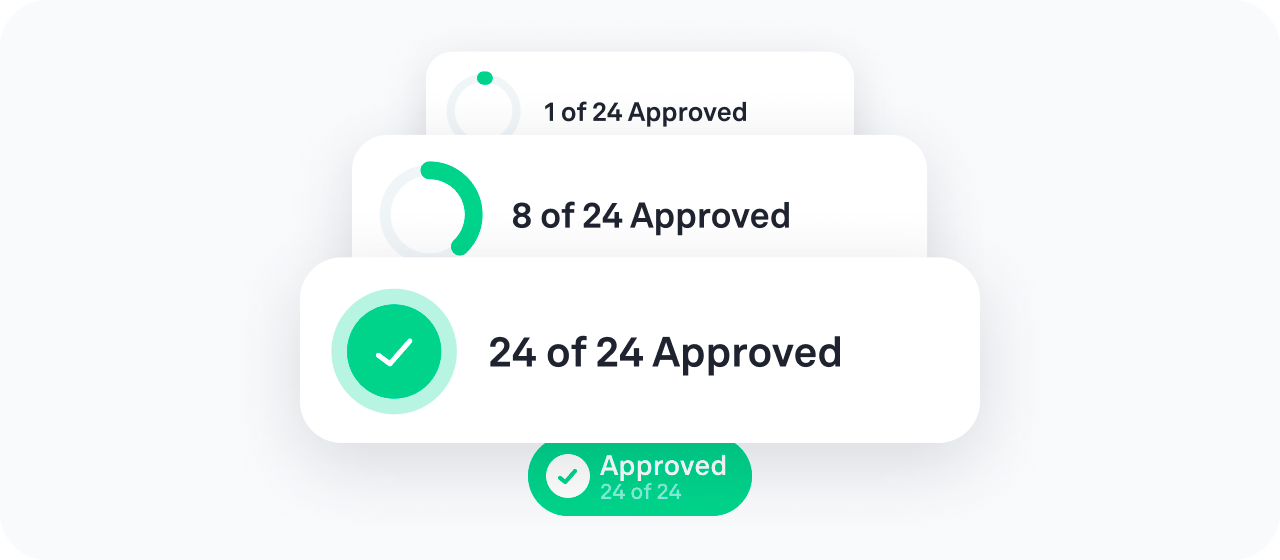
After each approval, a progress indicator shows x of y Approved.
When the limit is reached, the Approvals Completed dialog appears.
With a hard limit, approving another asset opens the Approval Limit dialog: "To add new ones, first un-approve other assets." Unapproving an asset frees a slot.
With Allow customers to exceed this limit on, reviewers can keep approving past the limit.
To let visitors download only approved assets, see Gallery and image downloads.
Was this helpful?
Still need help? Share an idea