Picflow Desktop App for macOS
The Picflow desktop app for macOS uploads folders from your Mac, streams a live folder during tethered shoots and sends Capture One selections to a gallery.
Beta Notice: The macOS app is in beta and may change. Test it before you rely on it for a critical project, and tell us what you find in the in-app chat.
Get the App
Download and Install
Download Picflow for macOS. You can also find it under Settings → Live → Live Folder → Download App.
Drag the app into your Applications folder.
Open it and log in with your Picflow account.
System Requirements
The app is optimized for macOS 26 or newer and also runs on macOS 15 or newer on compatible Macs. See Apple's macOS 15 device list. Check for app updates now and then so you run the latest version.
Desktop Upload
Upload from your Mac with desktop-level control over how assets reach your galleries. Drag folders or images into the app, or click Choose Files in the Upload tab. Uploads continue in the background while you keep working.
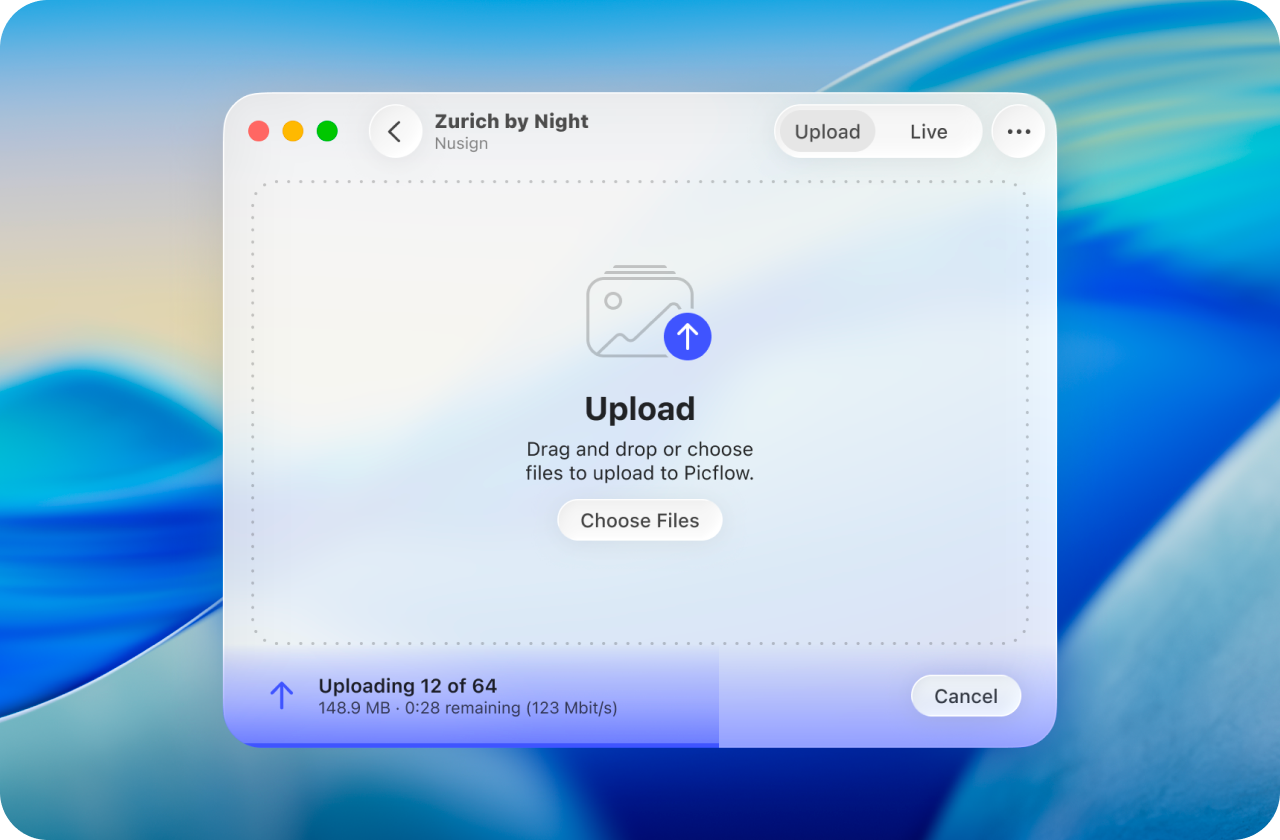
Upload directly from your macOS desktop.
Sleep prevention keeps active uploads running.
Built for large transfers and slow connections.
Live Stream
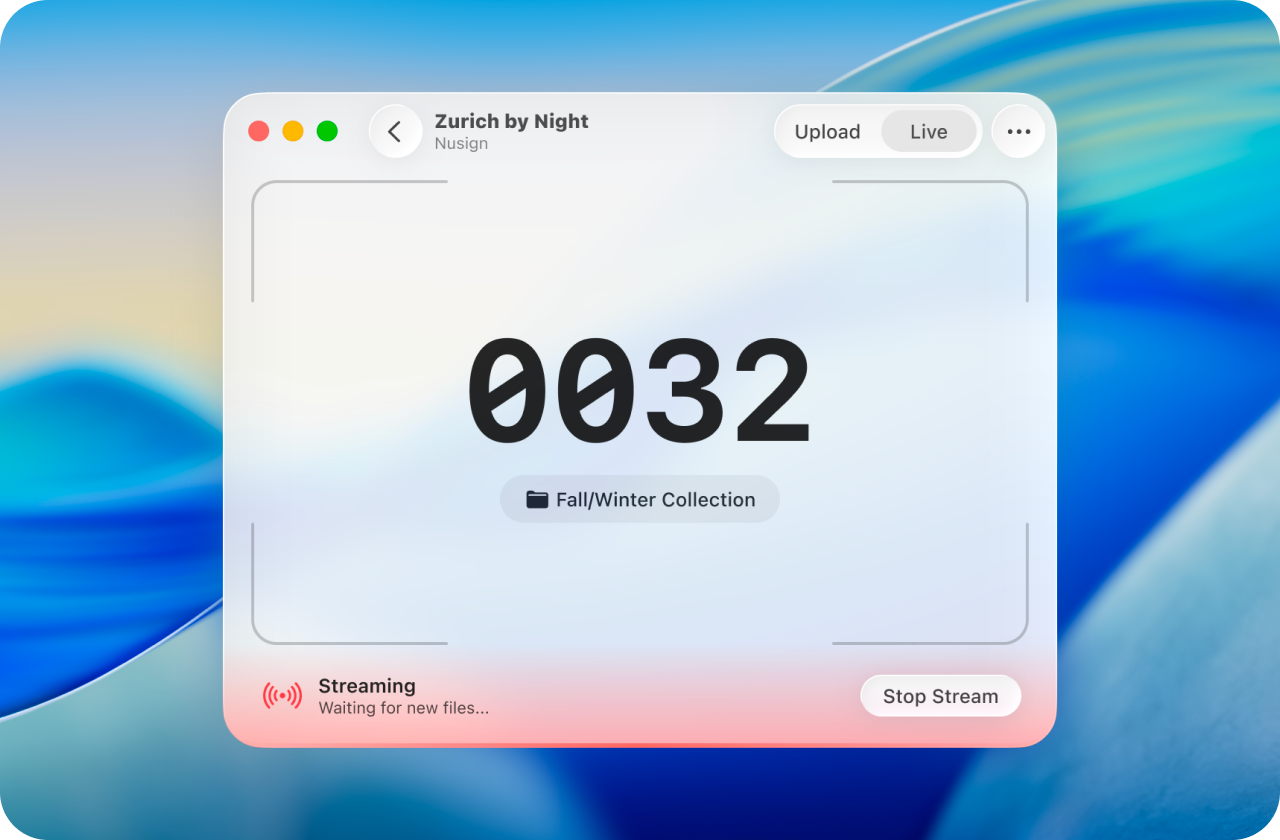
Use the Live tab to watch a folder on your Mac and stream new files to a Picflow gallery as they appear. This suits tethered sessions in Capture One or Lightroom: each new image uploads in real time, so clients or team members can review shots while you shoot. Click Stop Stream to end it.
To send photos straight from the camera instead, see Live upload from your camera (FTPS).
Capture One Integration
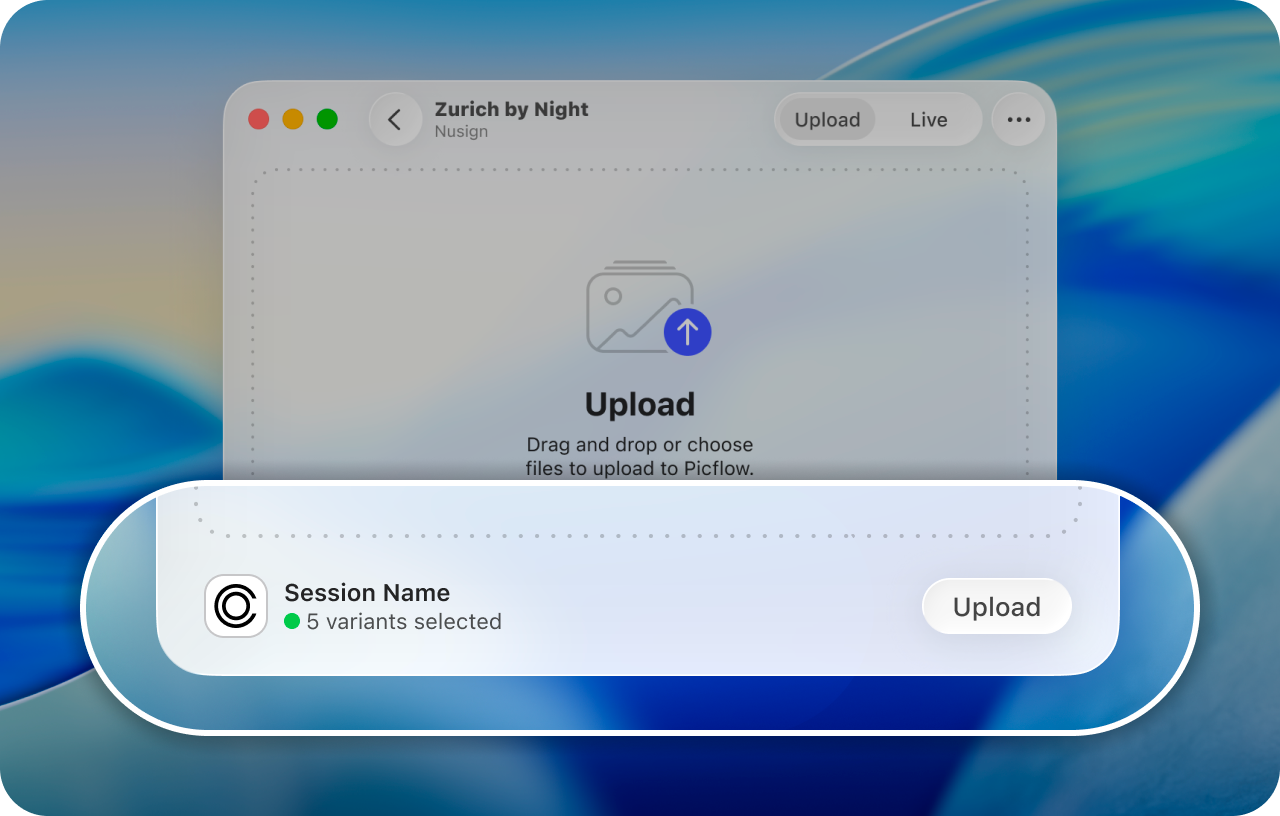
The app connects to Capture One and uploads the images you select in your catalog or session with one click, so you can deliver client previews, get approvals and manage revisions. See the Capture One integration for setup.
Feedback Sync (Coming Soon)
Two-way sync that brings client feedback back into Capture One is planned, closing the gap between client review and your editing workflow. It isn't available yet.
Was this helpful?
Still need help? Share an idea