Upload from Dropbox, Drive, and Box
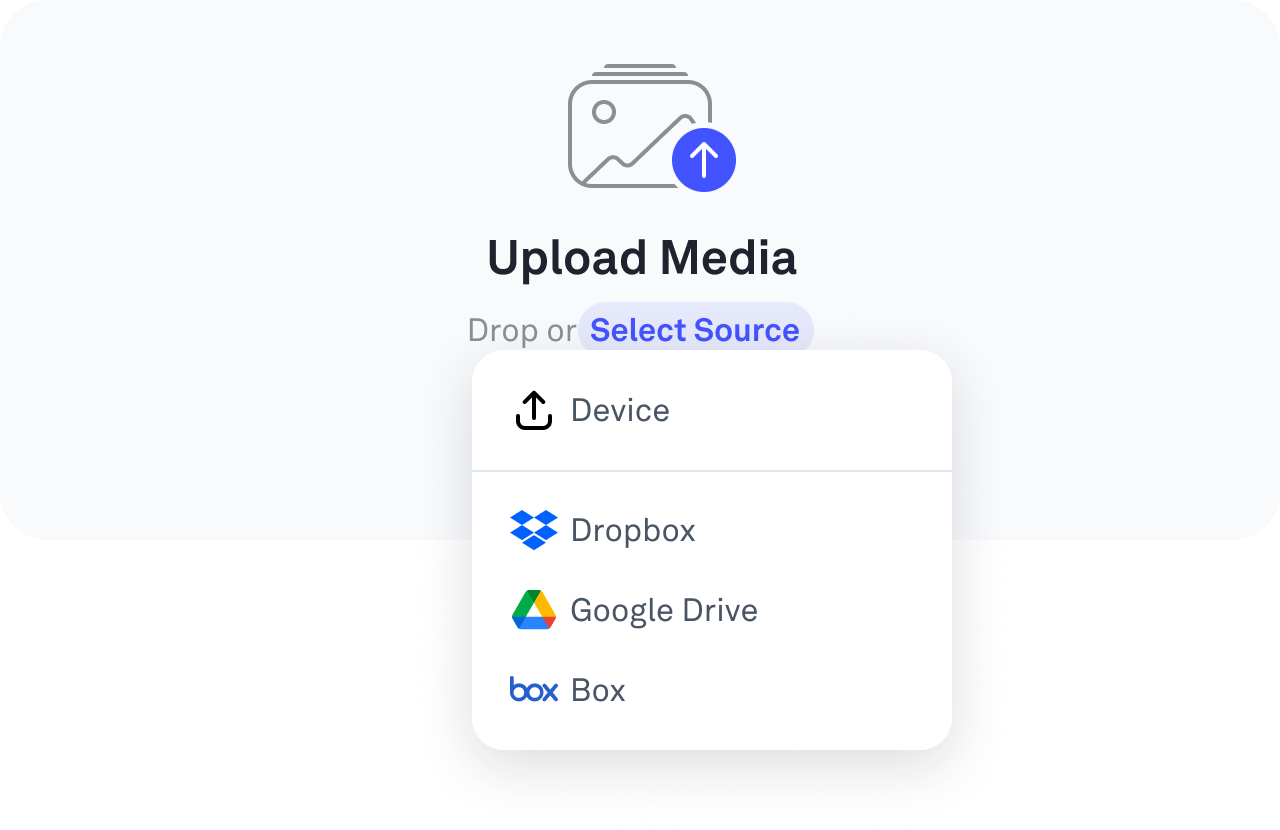
Picflow supports uploading media from third-party cloud storage providers. We currently support Dropbox, Google Drive, and Box. Learn how to add media from third-party could storage providers.
How to add assets from a third-party source
Some services require you to authorize access.
Create a New Gallery.
Click on "Select Source".
Choose your preferred provider.
Authorize Picflow.
Choose your assets and confirm.
Was this helpful?
Still need help? Share an idea